Fly Off The Rails
Fly Off The Rails
And log it too!
The time has finally come for me to put everything I learned about Rails into practice.
As usual, the hardest part was actually coming up with an idea for an app. Unlike the Ruby gem and the Sinatra app I made — which were pretty generic — this time I decided to make something I would actually like to use.
After some thinking, I decided to combine my passion for coding with my passion for flying and make a Log Book app.
So without further ado, I present to you, FlyLog!

FlyLog
The idea for the app is pretty simple, it’s a log book where pilots can log their flights, flight-hours, and the various ratings they earned.
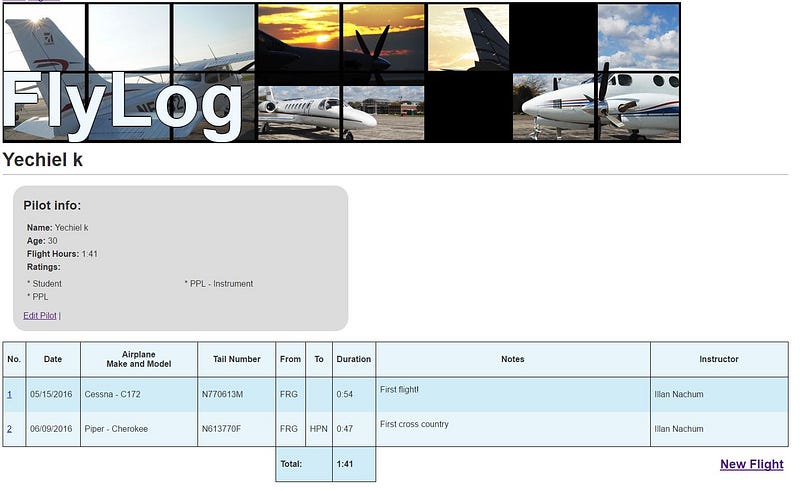
So now that I got the first challenge out of the way, it was time to deal with the next big challenge, my procrastination!
I discovered that I can be quite productive when I procrastinate. When I have a task I need to do, suddenly I find the time to do every thing I ever needed to do EXCEPT the task at hand. So I found myself spending lots of time helping fellow beginners with their questions on Learn.co, cleaning up some old projects, and even deploying my personal website (check it out: yechiel.me).

Eventually, I gave myself the kick I needed to actually start coding. The project was pretty challenging, it kept me up for quite a few nights. I figured I’d share some of the challenges here (note, if you are not (yet) familiar with Rails, you might want to skip to the section titled Easter Egg , this part will get a little technical):
Nested Forms
My app includes a Flight model. one of the aspects of a flight is which plane was used. Being that different flights can use the same plane I decided to make a separate Airplane model that would store the airplanes so users can select them from a drop-down menu instead of having to re-enter them each time. The association between the Airplane model and the Flight model is a many-to-many association using a FlighAirplane model, the FlightAirplane model is also where I stored the tail number of the aircraft (it is an aspect of the airplane, yet different airplanes of the same make and model have different tail numbers).
The above arrangement necessitated a double-nested form: the form for the Flight had to have fields for FlightAirplane, and nested within that was the fields for Airplane. Setting up this form properly, and setting up the Models and Controllers to process the data for this form, is what used up the majority of the hours spent on this app.
Adding up the flight times
Even before I started writing the code for FlyLog, I started thinking about this problem. How to add up the flight durations?
Presumably, users would submit the flight time for each flight in hours and minutes. The question was, how to store this duration, and then how to display it back to the user, and the main question, how to add it all up so that the logbook can display the Pilot’s total flight hours?
The solution I settled on eventually was to store the flight’s duration as an integer representing the minutes of the flight. So if a flight was, say, 2 hours and 20 minutes, the pilot would put 2:20 in the form. My controller (using a helper method) would convert that into 180 minutes and store that as the flight’s duration. I then added a method to the Flight model that would take this number 180 and convert it to a string “2:20” to display wherever I needed to display an individual flight’s time, and another method in the LogBook model that added up all minutes of all the flights flown by a particular pilot, and display them as a human-readable string in hours and minutes.
Eventually, I refactored it further and made a helper method that both Pilot and LogBook that takes an integer as an argument and spits out a string of hours and minutes.
Easter Egg
I don’t think this classifies as a challenge, It was actually one of the projects I took while procrastinating (see above). I was inspired by companies like Tumblr that hide their logos in ASCII art in the HTML of their websites and decided to market myself in a similar way.
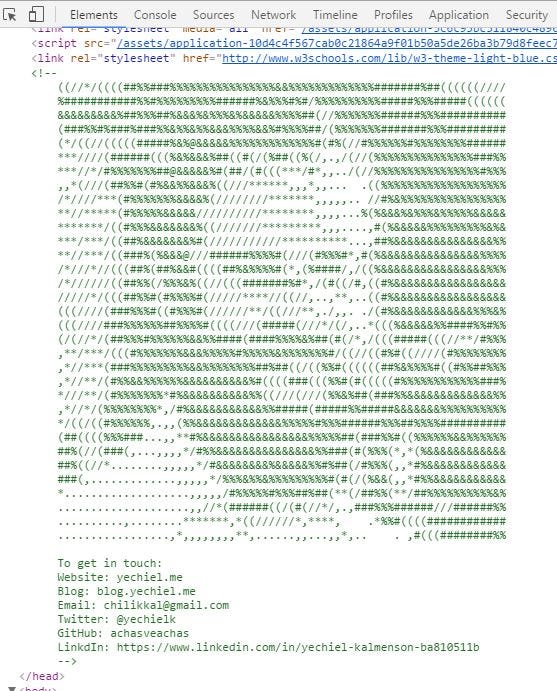
Me in ASCII
I found a website that converts images to ASCII and hid it in the header of every page in my app together with my contact info. You can find it by right-clicking on the page (in Chrome) and choosing “Inspect” (or you can hit Ctrl+Shift+I). A console should come up on the bottom of the screen with the HTML of the page. Uncollapse the header section, and if you squint just right, from far enough, you should be able to tell that the blurry mess of ASCII characters is supposed to be me :)
So once I had my app was all set up, the only thing left was to deploy it to Heroku (another all-nighter to figure out why postgresql didn’t like it, I never did figure it out, it just started working at some point), add some custom error screens, and write a blogpost about it for you guys!
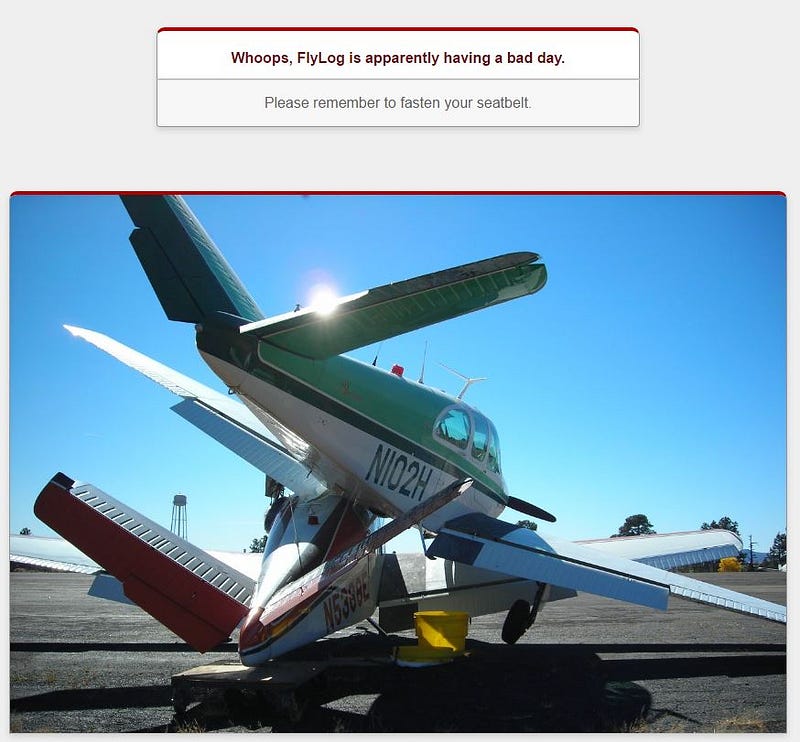
FlyLog’s 500 error screen.
So enjoy! Just head over to FlyLog and remember, the sky’s the limit!
Comments